What is DNS and how does it work?
Discover what DNS is, the role it plays, how it works, and how to manage and secure it effectively.
Every day, we type URLs into browsers, send emails, and use applications without ever wondering what is happening behind the scenes. However, behind every action lies a fundamental mechanism: DNS.
The DNS (Domain Name System) is often compared to the Internet’s directory. Without it, we would have to memorise strings of numbers to access any website. In this article, let’s take a look at what DNS is, how it works in practice, and the strategic importance of managing it effectively.
What is DNS?
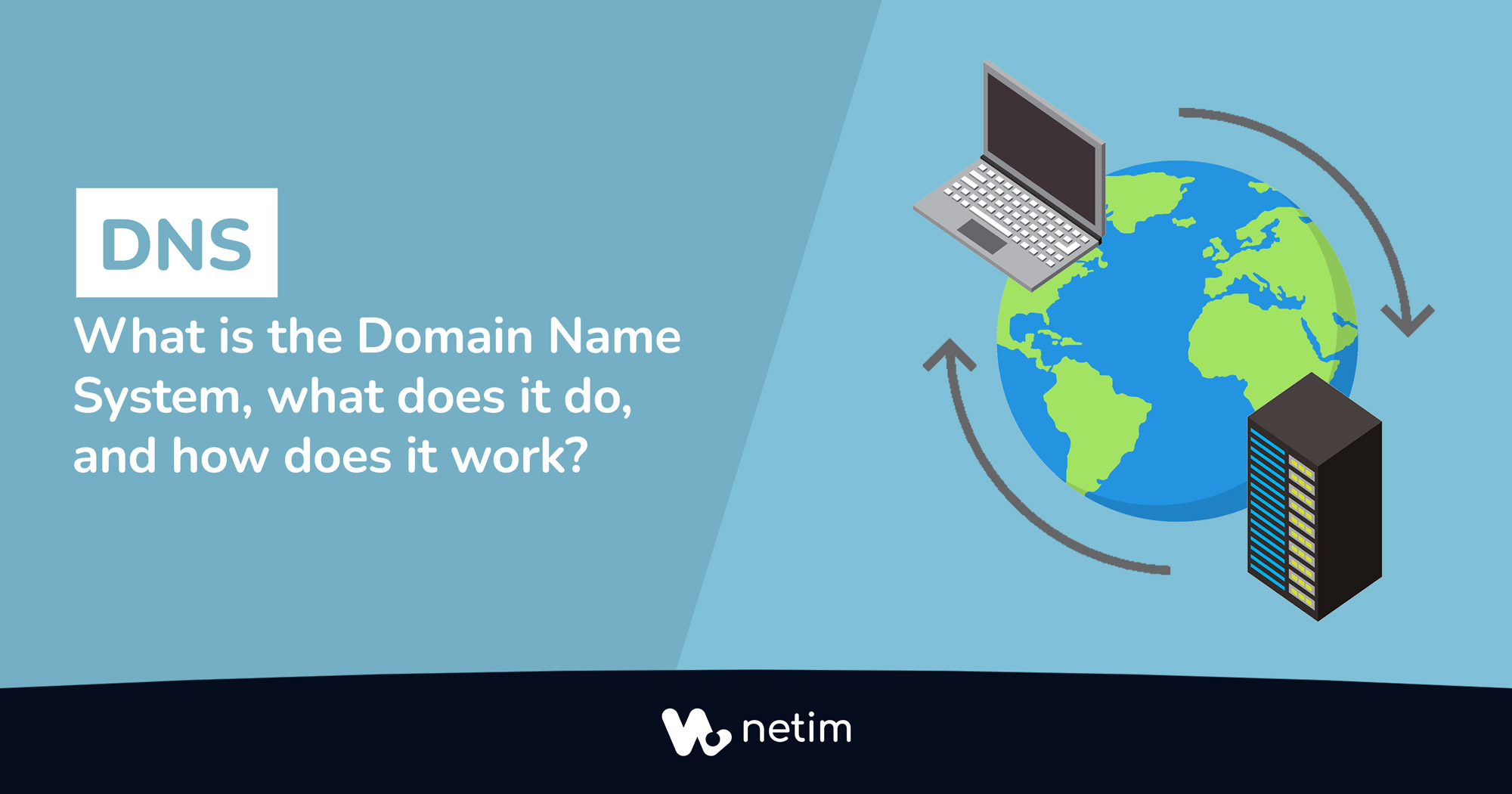
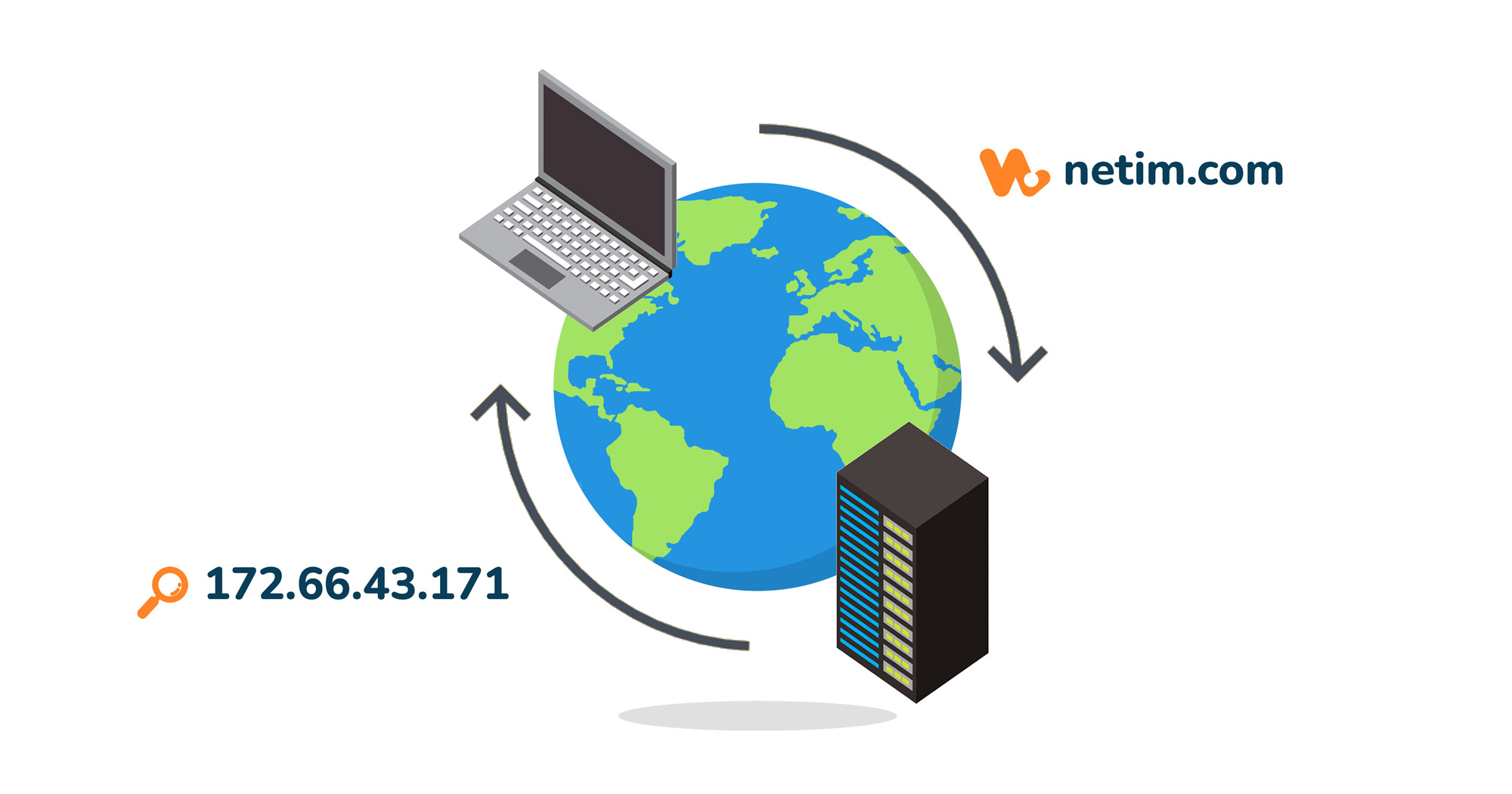
DNS, or the Domain Name System, has governed the entire Internet network since 1985. The DNS system translates a readable domain name (such as www.netim.com) into an IP address (such as 172.66.43.171) that machines can understand, and vice versa.
Computers, servers, network equipment and largely all devices connected to the Internet each have their own IP address and communicate only through them. Therefore, DNS acts as an intermediary between the user and the Internet’s technical infrastructure, translating these IP addresses, stored on nameservers, into domain names. This process is known as DNS resolution.
What are the 4 types of DNS nameservers?
To fully understand DNS resolution, it is important to explain the different stages a DNS query goes through. The DNS system is built on a hierarchical architecture of four servers, designed to be both fast and resilient.
🔎 The DNS resolver (or recursive resolver)
When a user accesses a domain name via their browser, the query is sent directly to the DNS resolver. The resolver, whether public (Google, Cloudflare, etc.) or, more commonly, provided by the ISP (Internet Service Provider), acts like an investigator tasked with finding the correct answer.
When it receives the query, it first looks for the corresponding IP address in its cache. The cache is the temporary memory that stores data from previously visited domain names (we will discuss this in more detail at the end of the article). If nothing is found in the cache, the resolver queries:
- first the root nameserver,
- then the TLD nameserver,
- and finally the authoritative nameserver.

1️⃣ Root nameservers
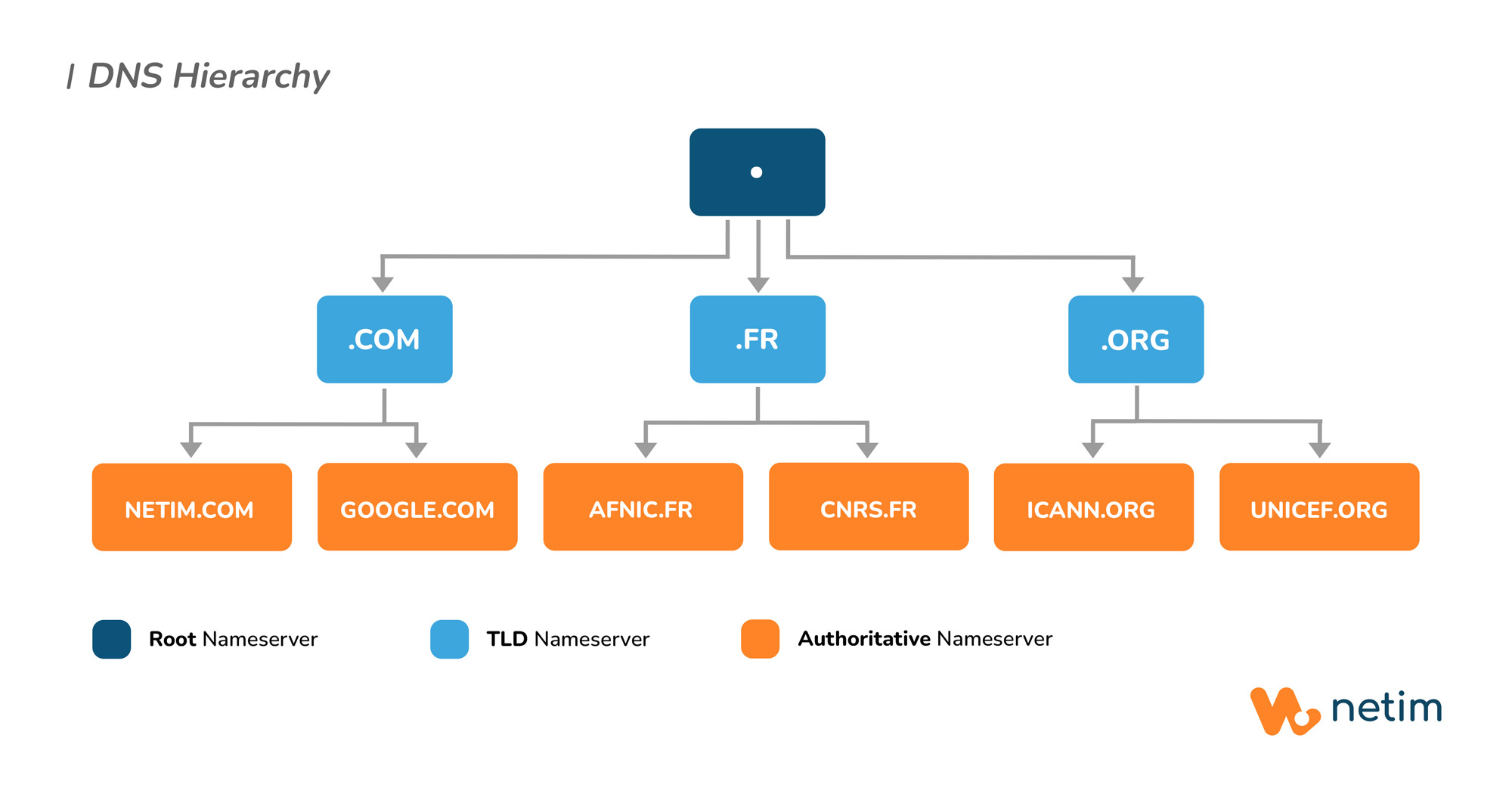
The first server queried by the resolver is the root nameserver. The root zone sits at the very top of the DNS server hierarchy and is symbolised by a dot.
💡 Technically, all domain names end with a dot, which represents the root of the DNS system. Therefore, the full form of a name like www.netim.com is actually www.netim.com.
This final dot marks the end of the FQDN (Fully Qualified Domain Name). It exists in the DNS technical structure but is not visible in browsers, as it is implicit: there is no need to display or type it.
Root nameservers do not know the IP address of every website, but act like directories that redirect the resolver’s query to the top-level domain (TLD) nameserver, that is the registry nameserver responsible for the corresponding extension.
For example, if I try to access netim.com, the root nameserver redirects the query to the .COM TLD nameserver (the Verisign registry server).
💡 Today, there are 13 root servers, overseen by the IANA (Internet Assigned Numbers Authority), which is a department of ICANN (Internet Corporation for Assigned Names and Numbers). These 13 servers are identified by the letters A to M, and the full list is available on the IANA website. Each of these servers relies on an Anycast infrastructure, representing over 600 points of presence worldwide, yet only 13 distinct IP addresses.
2️⃣ TLD (Top-Level Domain) nameservers
TLD (Top-Level Domain) nameservers sit just below the root zone. The TLD is the domain extension: .COM, .FR, .NET, etc…
Each extension is managed by a registry, which maintains the database of domain names registered under that TLD. For example, the registry for .FR is Afnic, while the registry for .COM is Verisign. (💡 Verisign also operates 13 DNS servers, named from A to M. Afnic operates 3.)
TLD nameservers redirect the query to the final level: the authoritative nameservers. When I try to access netim.com, the .COM TLD nameserver directs me to the authoritative nameserver for netim.com.
3️⃣ Authoritative nameservers
Authoritative nameservers are the final step in a DNS query. They return the final IP address of the requested domain name to the DNS resolver, which then passes it back to the web browser.
Each domain name has a DNS zone containing all the DNS records (zone file) required to correctly redirect traffic to the right IP address.
How does DNS resolution work?
When a user enters a domain name into their browser, a DNS query is triggered. DNS resolution is the completely transparent process that translates a domain name (netim.com) into an IP address (172.66.43.171). Here is a simplified version of the steps involved:
- The browser (network client) attempts to access
netim.comand sends a query to the DNS resolver. - If the resolver cannot find the data in its cache, it queries the root nameservers, which redirect the request to the appropriate TLD nameserver;
- The TLD nameserver (in our example, the registry server responsible for .COM) points to the authoritative nameserver containing the information for netim.com;
- The authoritative nameserver, which holds all the domain’s information (DNS records, etc.), returns the IP address of
netim.comto the browser, allowing it to access the website.

How should you manage your domain name’s DNS zone?
If you own a domain name, it is essential to understand how to manage your DNS zone. The DNS zone, hosted on authoritative nameservers, is the technical core of your domain name.
Usually, you can access your DNS zone configuration from your registrar, web host, or specialised DNS provider. There, you will find your zone file: a text file containing all the DNS records for a domain.
📝 The main types of DNS records
- A and AAAA: point the domain to IPv4 and IPv6 addresses;
- CNAME (Canonical Name): creates an alias to another domain;
- MX (Mail eXchange): defines the servers responsible for receiving emails;
- TXT (Text): used for various types of information, particularly email security (SPF, DKIM, DMARC);
- NS (Name Server): indicates which servers are authoritative for the zone, essential for DNS delegation.
⏳ TTL and DNS propagation
It is also in your DNS zone file that you can configure your TTL values.
The TTL (Time to Live) is the lifespan of a DNS record in a resolver’s cache. In other words, it determines how long the DNS resolver must wait before updating the information stored in its cache.
When you modify a DNS record, or if you change hosting provider or CMS for example during a migration, changes on your website do not propagate instantly across the Internet. There is a necessary propagation period for resolvers worldwide to take the update into account.
💡 Therefore, when planning critical changes, remember to update the TTL in advance to speed up DNS propagation on the D-day (for example: 300 seconds instead of 3600 seconds).
🛡️ DNS performance and security
DNS is an entry point to your website and therefore a target for cyberattacks. The main threat remains DNS spoofing, whether through DNS cache poisoning or interception of DNS queries.
If a DNS response is spoofed, a user visiting your domain name may be redirected to another website without even realising it. This is known as domain hijacking, and the consequences can be severe for your business:
- Fraudulent redirection of traffic to a malicious website;
- Sending false information using your professional email address (your domain);
- Compromising your customers’ personal data;
- Damage to your brand image and revenue…
To ensure the integrity of your domain’s DNS responses, there is the DNSSEC protocol. DNSSEC (DNS Security Extensions) allows DNS responses to be cryptographically signed, guaranteeing their authenticity.
Similarly, DNS plays an important role in your website’s performance. By choosing an Anycast DNS infrastructure, queries are distributed across multiple servers located in different geographical areas. Users are automatically directed to the nearest server, reducing latency and speeding up DNS resolution.
Anycast DNS also improves your website’s availability: if one server fails, another can take over. Likewise, in the event of traffic spikes or DDoS attacks, the load is spread across several servers, significantly reducing interruptions or slowdowns.
📌 At Netim, all our customers benefit by default and at no extra cost from Premium DNS servers deployed across two separate Anycast networks, ensuring performance and high availability. 👉 Learn more about our Premium DNS service.
If you don’t yet have a domain name, Netim is a trusted registrar based in France, offering over 1,300 extensions available for registration.
🖊️ Discover all our articles related to domain names.
📧 Don’t forget to subscribe to our newsletter from your Netim Direct account to receive all our news and special offers!